GetPixelColor 3.55
Small utility for Windows aimed at capturing the exact color of any pixel displayed on the screen.
Description
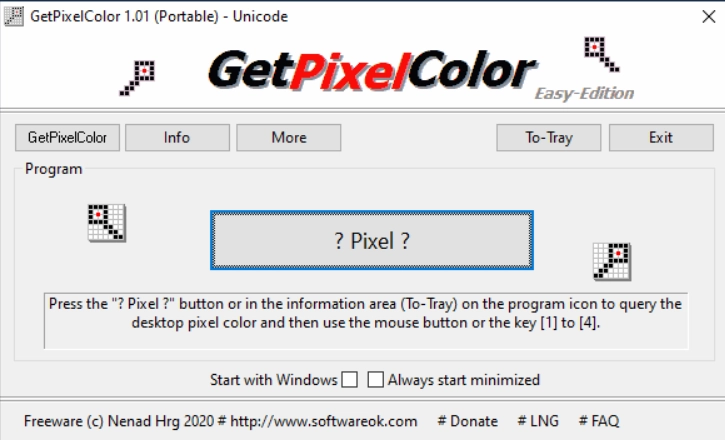
GetPixelColor is a small utility for Windows aimed at capturing the exact color of any pixel displayed on the screen. It allows for the quick identification of color values by positioning the mouse cursor over a specific point, returning codes in RGB and hexadecimal formats for use in graphic design, image editing, or web development. It works in real-time and follows the cursor's movement, updating color values as you navigate across the screen. The software offers the option to automatically copy color codes to the clipboard, streamlining the reuse of information in other programs. The software does not require installation and can be run portably directly from a folder or external device. Resource consumption is low, and the program's focus is on the accuracy of color readings, without adding extra functions that could interfere with the result. Finally, GetPixelColor also allows for configuring shortcut keys to capture and pin the selected color, making comparisons between different shades easier. This approach makes the process of identifying colors quick and straightforward for those who need exact values on the screen.
Screenshot