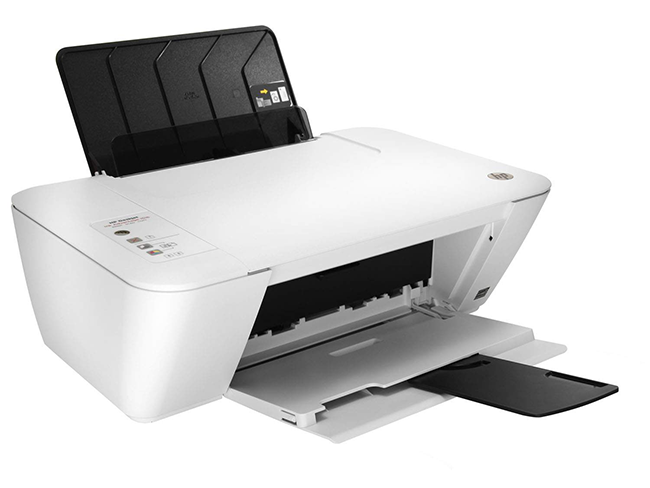
HP Deskjet Ink Advantage 1516 Printer Driver
HP Deskjet Ink Advantage 1516 All-in-One Printer Installation Drivers. Compatible with Windows.
Description
HP Deskjet Ink Advantage 1516 All-in-One Printer Drivers. Compatible with Windows operating systems.
How to Install the HP Deskjet Ink Advantage 1516 Driver
- Unzip the downloaded file and open the HP - 1516 folder;
- This folder contains several files, look for the "Setup" file and run it;
- In the window that opens click on the option "No thanks, I prefer the basic CD installation";
- In the next step click on "Connect a New Printer";
- In this step you will need to connect your printer's USB cable. Wait for the connection and click "Next". After that just go ahead with the installation choosing your preferences.
Screenshot