Minimal Firewall 2.6.4
Free program for Windows that acts as an additional control layer over the system's native firewall.
Description
Minimal Firewall is a free program for Windows that acts as an additional layer of control over the system's native firewall. It does not replace Windows' protection, it only expands options for managing network connections.
What it does
- The “Lockdown” mode blocks all outgoing connections by default, preventing any application from accessing the internet without your approval.
- When any software tries to connect, the program immediately displays an alert so you can choose to allow or block.
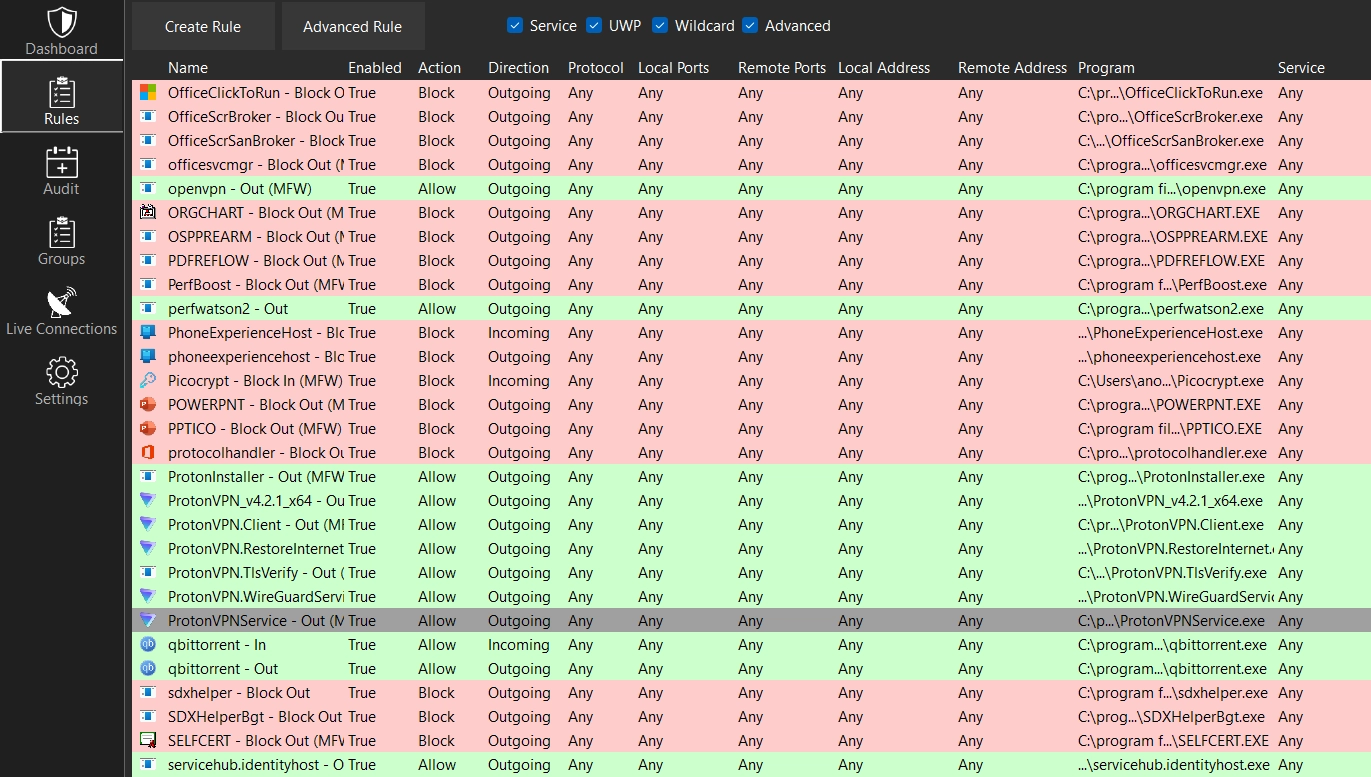
- Allows you to create custom rules to permanently or temporarily unblock or block applications, including filters by protocol, port, IP address, and network profile.
- Supports rules with wildcards, making it easier to control applications that frequently change versions.
- Shows active TCP connections, indicating which process initiated each connection and the network destination.
- Records and displays changes made to the Windows firewall, allowing you to see when another program modifies rules.
- Works correctly with traditional programs, UWP applications, background services, and system processes.
- Does not require additional drivers; it only uses the official Windows firewall API to maintain stability and security.
- Can be run in a portable manner, from a single executable.
- Does not send external data and does not collect telemetry; all information is stored locally.
When it's worth using
Minimal Firewall is for those who want strict control over which programs can access the internet, reducing the risks of unwanted connections, excessive telemetry, or unknown traffic. It is a straightforward and efficient solution for those who want to manually decide what each software can or cannot do on the network.
Screenshot