OCZ SSD Utility 5.3.0004
Utility that allows you to manage your OCZ SSD.
Description
OCZ SSD Utility works as a control panel for SSDs from the old OCZ/Toshiba lineup, offering detailed hardware monitoring and direct access to maintenance features. The tool displays data such as temperature, estimated lifespan, memory block status, write volume, and real-time performance metrics, making it easy to keep track of the device's health.
OCZ SSD Utility allows the execution of specific optimization routines, including manual TRIM and configuration adjustments aimed at maintaining consistent performance. These commands act directly on the compatible drive, following the manufacturer's recommended standards.
The software also offers a mode called Performance Mode for supported models, which prioritizes intensive read and write operations. This function is directed at scenarios that require peak performance and can be toggled as needed.
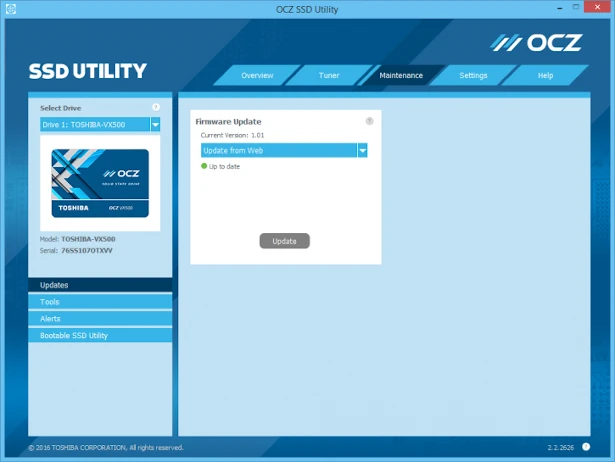
It is also possible to update the drive's firmware directly through the interface, without resorting to external tools. The versions are checked, downloaded, and applied in a guided manner, reducing risks during the process.
The utility provides specific sections for SMART analysis, capacity checks, bottleneck detection, and basic system adjustments that help ensure the SSD operates within the recommended parameters. It also features a secure erase mode (Secure Erase) available for compatible models, which is indicated for restoring the drive's original condition before reusing or passing it on to someone else.
Screenshot