Fastfetch 2.66.0
Command-line tool that provides system information.
Old versions
2.39.0
5.16 MB03/20/2025
2.37.0
5.11 MB02/19/2025
2.35.0
5.09 MB01/26/2025
2.33.0
5.02 MB12/26/2024
2.28.0
4.92 MB10/24/2024
2.26.1
4.89 MB09/29/2024
2.25.0
4.83 MB09/19/2024
2.24.0
4.81 MB09/11/2024
Description
Fastfetch is a command-line tool inspired by projects like Neofetch, designed to display detailed system information quickly and configurably. The program is actively maintained and works on Windows, Linux, and macOS, allowing for the retrieval of hardware and software data in a single execution.
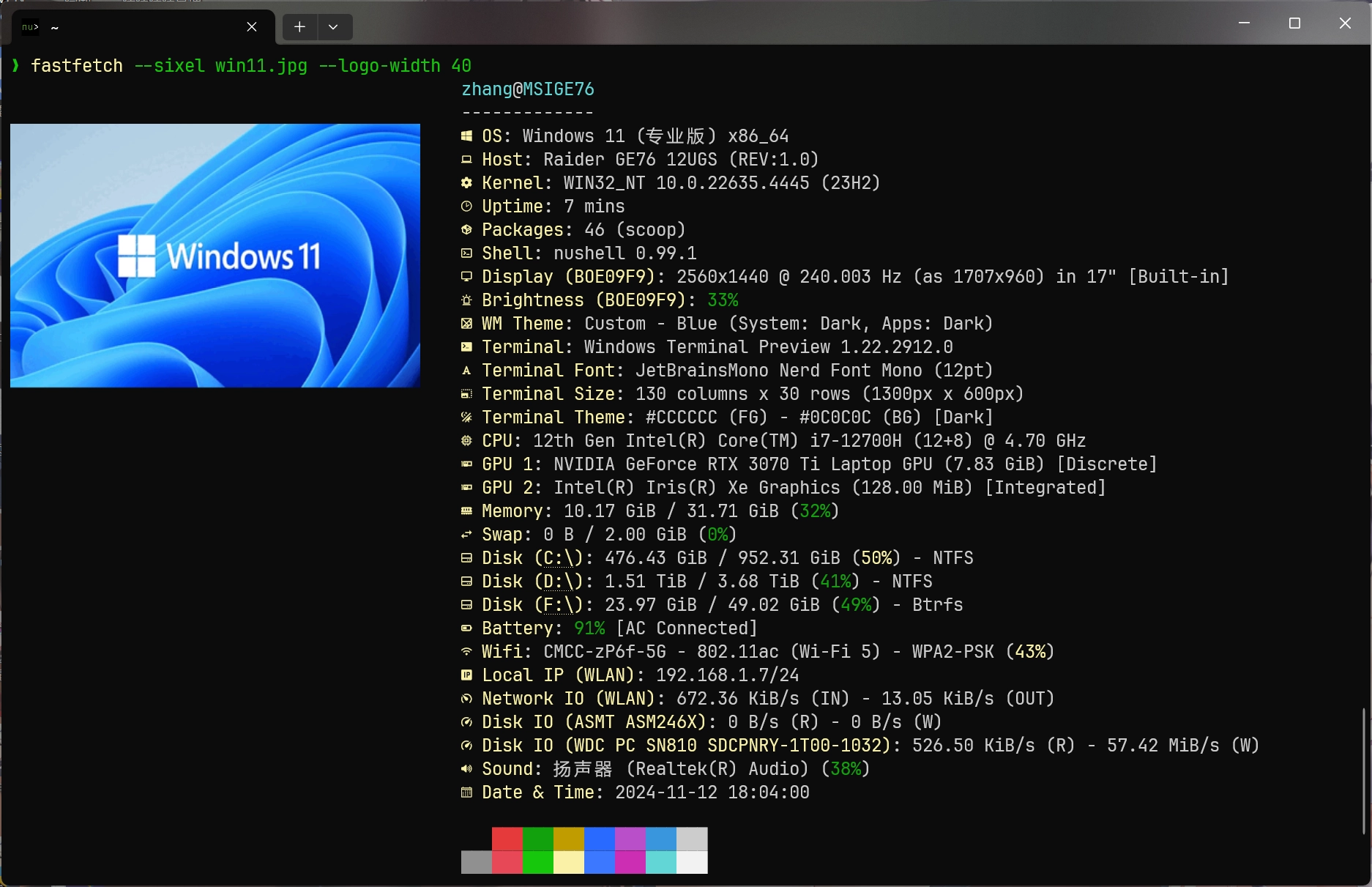
It presents information such as CPU model, detected GPU, amount of RAM, storage, motherboard, kernel version, or Windows build, as well as data about desktop environment, shell, screen resolution, and graphics driver. The information is collected directly from the system, ensuring accuracy in the readings.
Fastfetch supports customization through configuration files. You can choose which modules to display, the order of information, and the visual format of the output. It is also possible to adjust the ASCII logo displayed, set colors, and create layouts that meet different purposes, whether for diagnostics, documentation, or presentation.
The tool offers output in formatted text and also in JSON. This capability facilitates automation, integration with scripts, and report generation. For those working with system management or technical support, this standardization allows for consistent recording of information from multiple machines.
Fastfetch is lightweight and starts quickly, consuming minimal system resources. This allows it to run even on older machines, testing environments, or remote sessions without compromising performance. Installation can be done through repository packages or precompiled executables, depending on the platform.
As an open-source project, updates are frequent. New modules, performance improvements, and compatibility enhancements are included as development progresses. If you want to further adapt its behavior, it is possible to follow the source code and contribute directly.
Screenshot