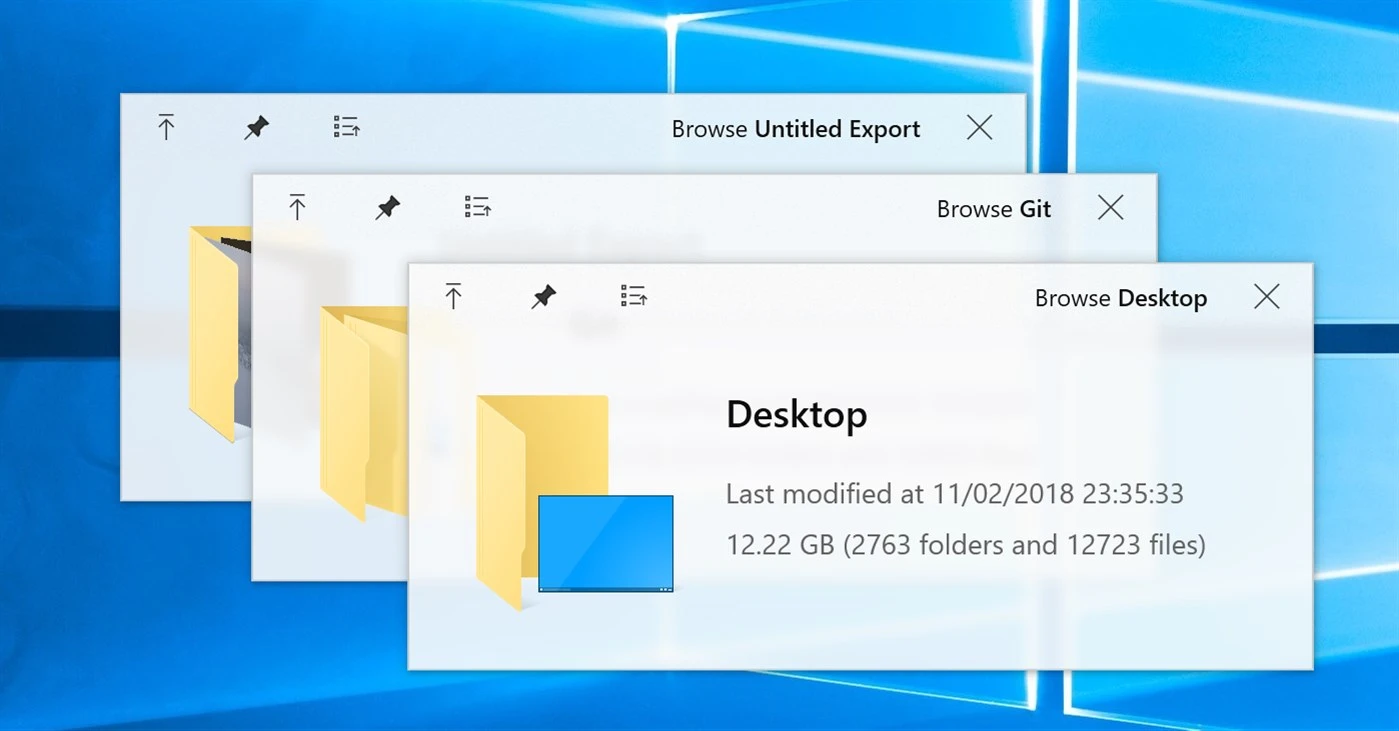
QuickLook 4.4.0
View files swiftly, as on macOS.
Description
QuickLook is a tool developed for Windows that brings the “Quick Look” functionality from macOS to the operating system, allowing users to quickly view the content of files by pressing the Space key, a feature absent in the native Windows. It supports a wide variety of file types directly in File Explorer, on the desktop, in file open and save dialogs, and in third-party file managers, with a fluent design, compatibility with touch screens, HiDPI support, and extensibility via plugins.
To activate it, select a file or folder and press the spacebar, displaying an intuitive preview window with the last selected item. It allows navigation between multiple items using the arrow keys or by clicking on them (the arrows move the selection in the background even if the window is not in focus), display the next file with the up/down/left/right arrow keys or the mouse, and close the preview by pressing Space again, Esc, or clicking the ⨉ button. Other shortcuts include Enter to open or execute the current file, mouse wheel for zooming in on images or adjusting volume in audio/video, Ctrl + mouse wheel for zooming in on PDFs, left mouse click to rotate 3D models, and middle click to pan in 3D models.
The interface allows interaction with the content: zooming with the mouse wheel on images, rotation on 3D models, playback of audio and video with volume controls via mouse wheel, and viewing thumbnails or content in grids for supported files. It supports previewing in file open/save dialogs and integrations with third-party managers listed in the project's wiki.
Among the natively supported formats are virtually all images (.png, .apng, .jpg, .bmp, .gif, .psd, camera RAW and more), compressed files (.zip, .rar, .tar.gz, .7z and others), PDFs and AI files (.pdf, .ai), virtually all audio and video formats (.mp4, .mkv, .m2ts, .ogg, .mp3, .m4a and more), CSV (.csv), emails (.eml, .msg), HTML (.htm, .html), Markdown (.md, .markdown) and all types of text files (detected by content, regardless of extension), along with more formats via plugins.
Screenshot